
If the camera or microphone is not enabled when using the Chrome browser on an iPhone, try the following:
Check that Chrome is allowed access to the camera. To do this:
Go into the iPhone “Settings” app.
Scroll down and click “Apps”, then

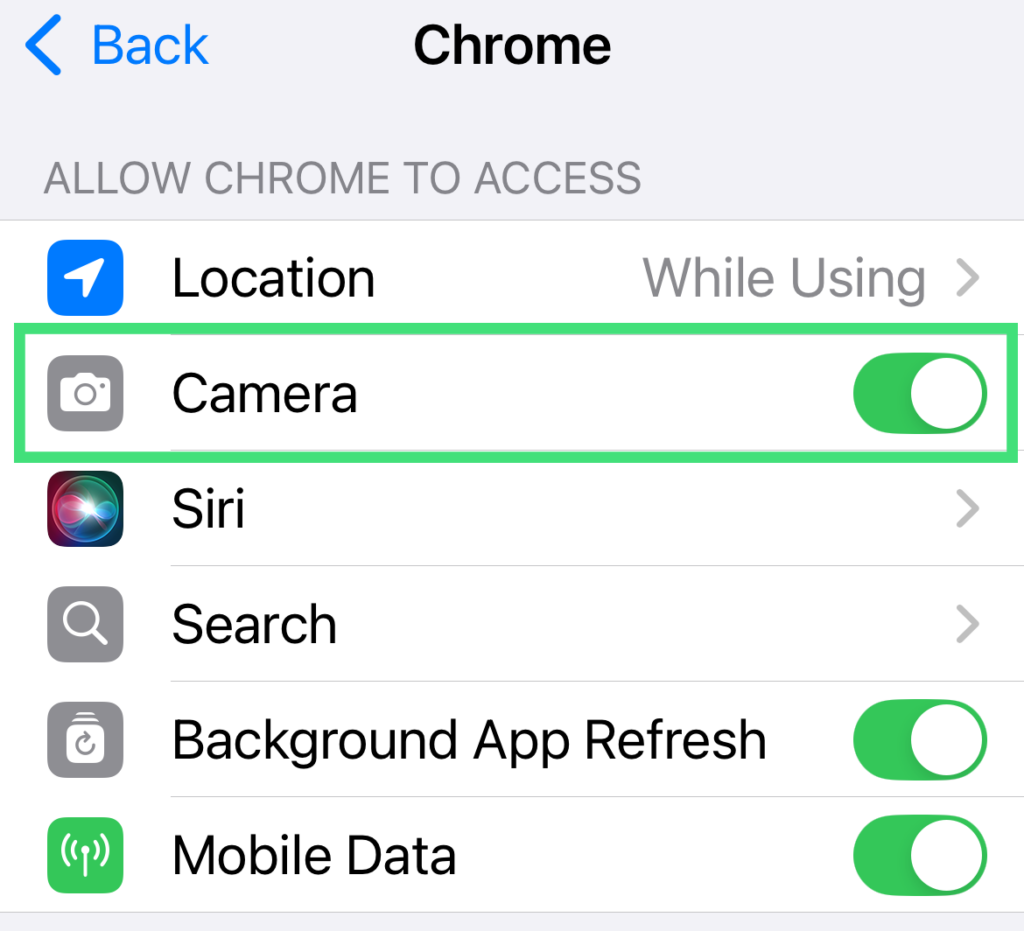
Scroll down and click on “Chrome“.
Ensure that “Camera” is turned ON
Go back to Chrome and reload the video consultation page.